

20,000 DPI? 30,000 DPI? Still not enough? Then why not go for the latest flagship mouse with 50,000 DPI! Add to that an 8,000 Hz polling rate, third-generation optical switches, and a whole host of buzzwords that sound like they’ve come straight out of a NASA lab, a World Cup, or an influencer’s lifestyle. The most important question isn’t even being asked amidst all this consumer voodoo: who actually needs this?
My honest answer: nobody.
A victim of its own success
Fifteen or twenty years ago, expensive gaming mice really were a noticeable upgrade. Back then, many standard devices still had imprecise sensors, suffered from “angle snapping” (unintended line straightening), or simply refused to work at all during fast movements – a sure-fire virtual death sentence for ambitious gamers.
But let’s be honest. Those days are long gone. Today, even a basic branded mouse has a sensor that works with greater precision than the human nervous system could ever hope to achieve. The technical revolution is over. What follows is the predictable, almost tragicomic arms race waged by marketing departments.
The DPI craze
Razer
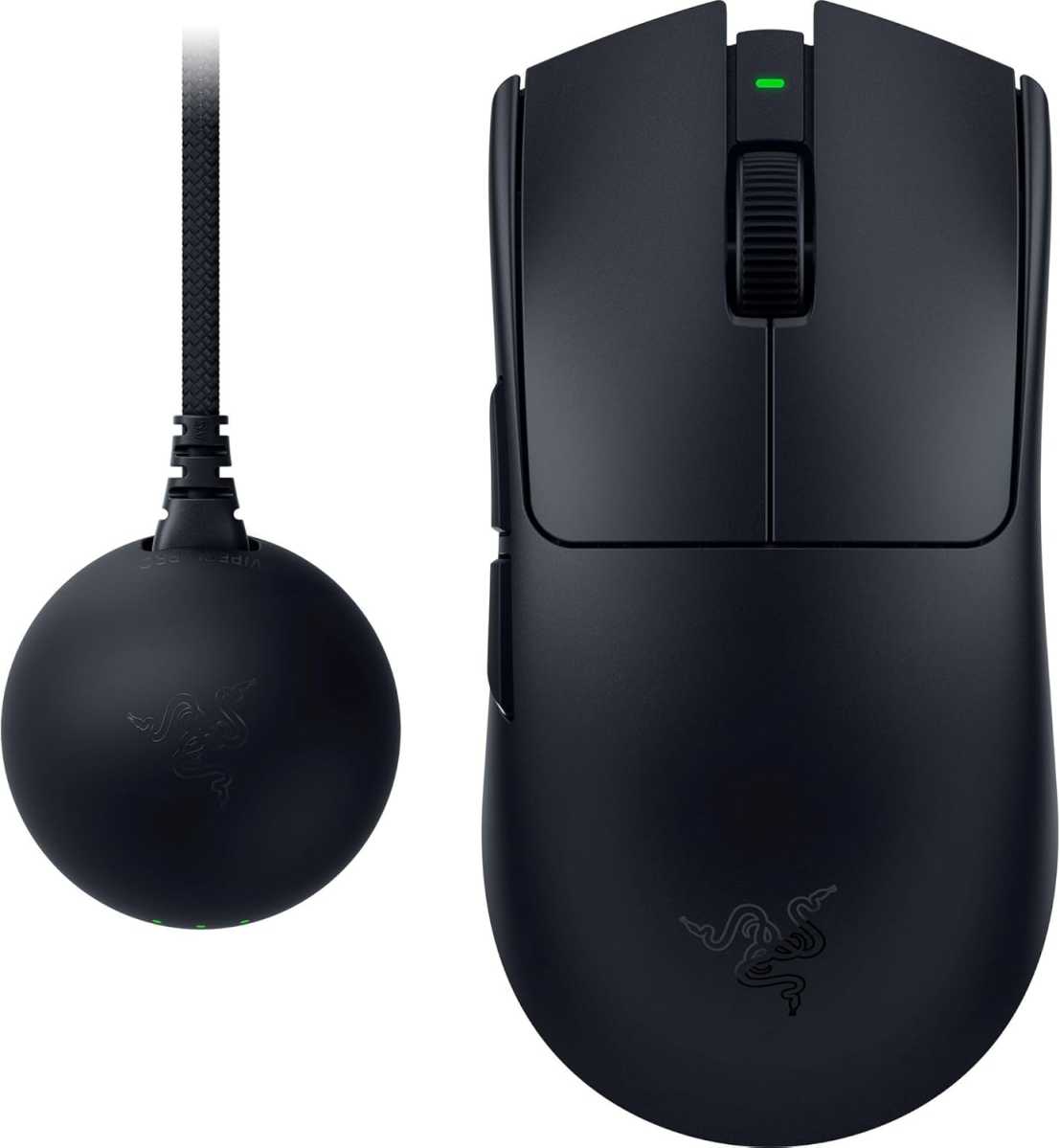
Perhaps the best evidence of this collective loss of touch with reality is the DPI (dots per inch) figures. When a manufacturer announces a new top-of-the-range model today, such as the Razer Viper V4 Pro (50,000 DPI) or the Asus ROG Harpe Ace Extreme (42,000 DPI), they pat themselves on the back for the extreme sensor resolutions. That sounds impressive until you take a moment to get your calculator out.
Let’s work the figures out:
- A mouse with 50,000 DPI registers 50,000 steps when moved a single inch (2.54 centimeters).
- Put into perspective, this means the sensor detects a movement of just 0.000508 millimeters.
That’s in the region of about half a micrometer. By way of comparison: a human hair is about 50 to 80 micrometers thick. So, in theory, the mouse is capable of dividing the width of a single hair into up to 150 steps.
It is at this point, if not before, that biology trips up the marketing claims. Even if you try to keep your hand completely still, your pulse, minimal muscle twitches, and the nerve pathways themselves generate constant movement that is many times greater than what the sensor measures. The mouse is therefore far more precise than the person operating it. Anyone gaming at 50,000 DPI isn’t aiming any better – rather, they’re inadvertently tracking their own heart rate.
Too fast for your own screen
It gets even more bizarre when we bridge the gap to reality on the screen. On a typical 27-inch monitor with UHD resolution, a single pixel is about 0.16 millimeters wide.
If you push your 50,000 DPI mouse to its absolute limit and move it just a single centimeter across the mousepad, the sensor generates around 19,685 signals. In theory, that’s enough to send the cursor racing across almost five full 4K screens with the slightest hand movement. Have a go at that in Minesweeper.
Of course, Windows scales back such speedy maneuvers internally (keyword: mouse sensitivity). Nevertheless, the paradox remains. We buy sensors with astronomical resolutions, only to artificially throttle them via software in the driver so that the pointer doesn’t fly out of the screen window at the mere breath of a mouse.
It’s a bit like buying a laboratory microbalance capable of measuring the weight of individual specks of dust, just to weigh out the oats for your overnight oats in the morning. Impressive? Perhaps. Sensible? Absolutely not.
Incidentally, the height of absurdity becomes apparent when you look at those who earn their living from gaming: the world’s elite in esports completely ignore the DPI craze peddled by marketing strategists (at least beyond sponsorship deals). If you look at the settings used by professionals in shooters such as Counter-Strike 2 or Valorant, you’ll quickly realize that hardly anyone plays at more than 400 or 800 DPI.
So, ironically, the people with the best aim in the world aren’t even using two percent of what modern sensors are capable of. That’s really all you need to know about this marketing gimmick.
8,000 Hz polling rate. It’s a battery-draining machine
Logitech
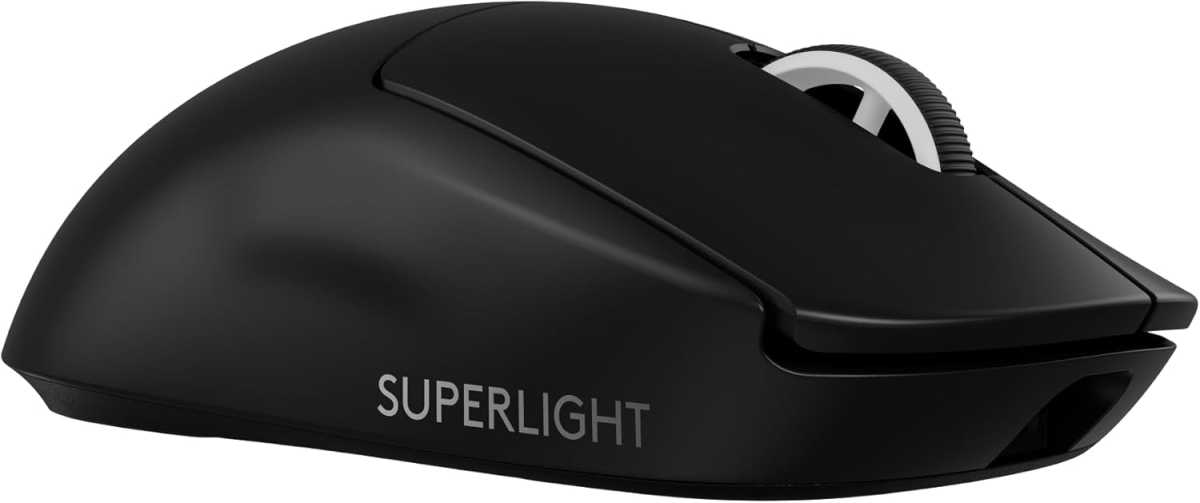
The next battleground for sales gurus today is the polling rate – that is, the frequency at which the mouse sends data to the PC. The current top figure for premium mice such as the Logitech G Pro X Superlight 2 is 8,000 Hz (the typical standard is 1,000 Hz). So the mouse transmits signals to the computer 8,000 times per second.
Admittedly, the difference is measurable: input latency drops from 1 millisecond to 0.125 milliseconds. But can you actually feel it? Between your click and the monitor’s response, there’s already the game’s latency, the graphics card’s rendering time and the panel’s response time. On top of that comes human reaction time, which rarely falls below 150 milliseconds, even for professional esports players. It’s a bit like trying to make a Formula 1 car lighter by wiping the dust off the wheel rims. Whether the mouse saves 0.8 milliseconds is completely irrelevant for 99.9 percent of all gamers.
What you do notice straight away, however, is that the mouse battery life drops dramatically in high-polling mode. This can quickly eat up half the battery life. On top of that, it puts a significantly greater strain on the PC’s CPU. What a brilliant deal.
What a good mouse really costs
The irony of the whole thing is that the features that really determine whether you buy a mouse aren’t high-tech voodoo at all:
- Ergonomics and shape (Does it fit my hand?)
- Weight (an agile featherweight or a sturdy workhorse?)
- Switches (do the buttons feel and click in a way that’s comfortable and precise for me?)
- Battery life and a stable wireless connection for wireless mice
The curious thing is that all of this has long been available in the double-digit price range. A Logitech G305 LightSpeed or a Razer Cobra offer wireless technology and sensors that work with a high degree of reliability for well under $50. If you’re not a gamer and are looking for a productivity mouse instead, go for the Logitech MX Master 3S. It’s more expensive at $80.99 at the time of this writing, but it offers genuinely useful features such as a magnetic scroll wheel and excellent ergonomics.
The biggest difference is in your bank balance
Anyone spending around $200 on a top-of-the-line gaming mouse today will, without a doubt, get a superbly crafted piece of technology. The only problem is: in-game, it isn’t a single pixel more accurate than a $65 mouse.
The first $50-$70 still buy you the leap from junk to very good, reliable technology. The next $130-$150 mainly gets you differences on the spec sheet. Anything beyond that amounts to homeopathic doses of measurable, but no longer perceptible, nuances.
You shouldn’t kid yourself when buying one. High-end gaming mice aren’t so expensive these days because anyone needs their sensors to survive the Counter-Strike rankings. They’re so expensive because manufacturers have to desperately come up with new selling points to persuade us to throw away a mouse that’s already perfect, just so we can buy the exact same experience all over again. That’s why the $200 gaming mouse is one of the biggest hardware myths of our time.
This article originally appeared on our sister publication PC-WELT and was translated and localized from German.