

Summary created by Smart Answers AI
In summary:
- Mozilla’s Firefox Relay free email masking service now offers 50 disposable email addresses, representing a 10x increase from the previous five-mask limit.
- PCWorld highlights that email masks protect users from spam, phishing attacks, and credential stuffing by preventing fraudsters from building detailed profiles.
- This significant expansion makes Firefox Relay more competitive with alternatives like DuckDuckGo’s unlimited private Duck Addresses for enhanced online privacy.
If you don’t know what Firefox Relay is, you should. This free service provided by Mozilla (the developers of the Firefox browser) lets you create free email masks—that is, disposable email addresses that point back to your real email address. The idea is to share these masks when you don’t want to give out your real details. If an email mask is ever flooded with unwanted mail (phishing emails or otherwise unwanted email), you can switch to another one and nuke the original.
Firefox Relay offers a free tier and a $12 per year paid tier, but since its general launch in November 2021, the free plan was limited to just five email masks. Not bad to get a taste of it, but otherwise not broadly helpful. In late May, Mozilla quietly gave us freeloaders a massive boost—a 10x increase to 50 email masks.
This upgrade should apply to all users, though the Relay extension for Firefox hasn’t quite gotten the memo yet. (At least, not on my install of Firefox.) If you’re encountering this issue, you can still create up to 50 email masks through the main interface.
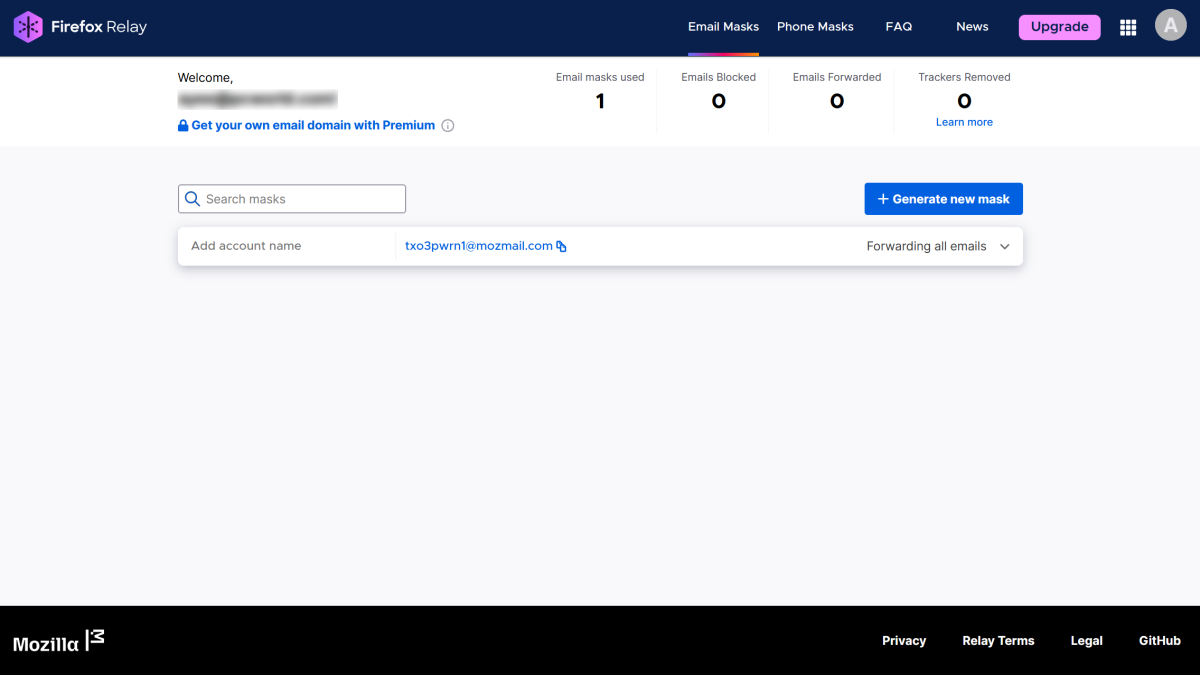
Masked email is a more specific (and automated) take on email aliases.
Mozilla / PCWorld
Getting dozens of email masks narrows the wide gulf between the free and paid tiers a bit—enough to make the free tier easier to use. But free users continue to miss out on Firefox Relay Premium’s best features, like replying anonymously to emails sent to a mask and using your own subdomain. (Obviously, unlimited email masks are great, too.)
Think you might outgrow Firefox Relay’s free tier and don’t want to pony up a buck per month for Firefox Relay Premium? You can also try DuckDuckGo. You must have the DuckDuckGo browser installed. Once you do, activate its Email Protection feature to first create a @duck.com alias that forwards to your real email address.
From there, you can generate private Duck Addresses, which use the format of [email protected] and act like email masks. DuckDuckGo allows you to spin up as many private Duck Addresses as you like, and even lets you reply from them. You can also manage them on macOS, iOS, and Android from the app. (Windows and browser extension users must do so from individual emails sent to the @duck.com address.)
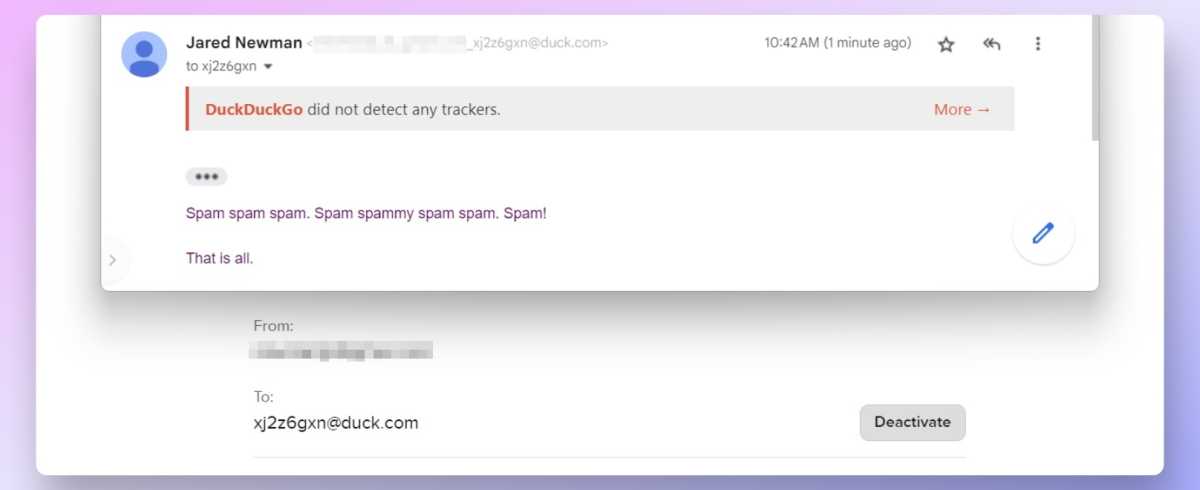
Jared Newman / Foundry
In general, I highly recommend the use of email masks. Data breaches are regular, frequent occurrences now. Hiding your real email address behind a disposable one makes it harder for bad actors to mess with your digital life—having unique email addresses for each site and service makes credential stuffing attacks harder. (Such an attack is when a hacker uses your email address and a known password of yours and enters them into various places across the web to see what the combo might unlock.) It also makes it harder for fraudsters to build a profile of you, and then craft personalized scams that look convincing.
And a third, more indirect benefit? It gets easier to spot spam and scam emails. When they’re sent to an email address not associated with the service, you can tell right away they’re fake.
Privacy and security are ever more intertwined these days—and while you could create your own email aliases manually, it’s a pain. (Trust me, I tried it for a while.) An email masking service is a fantastic tool to help combat digital threats. It’s even better you can use one for free.