

Summary created by Smart Answers AI
In summary:
- PCWorld explains that selecting a PC power supply in 2026 has become surprisingly complex due to new technologies like ATX 3.0/3.1 standards and 16-pin GPU connectors.
- Modern high-end graphics cards often require 1,000W PSUs, making proper wattage calculation crucial by adding CPU and GPU power needs plus extra headroom.
- Key considerations include efficiency ratings (80 PLUS Bronze to Titanium), form factors (ATX, SFX, TFX), and choosing reputable brands like Corsair or Seasonic using community tier lists.
Buying a power supply can seem like a minefield of jargon and specs. What wattage do you need? What efficiency rating is best? Which form factor is right for your build?
It’s no simple task to distill these answers and pick from the dozens of options out there from so many different manufacturers. It’s incredibly easy to mess up if you don’t know what you’re doing, especially with all the recent developments in power supply technology.
But with a little know-how, it doesn’t have to be impossible.
If you’re looking to upgrade your power supply in 2026, here are the best tips to buy a PSU without getting burned.
Stick to an established brand
While global memory shortages might have us all wondering whether no-name Chinese DRAM will do for now, power supplies are one area where you should absolutely stick to established brands.
Power supplies are tricky to build well, so buying a PSU from a reputable brand goes a long way to ensuring you don’t end up with a dud. You need your PSU to protect your PC parts when you get power spikes or when your GPU suddenly pulls more power than the PSU can handle.
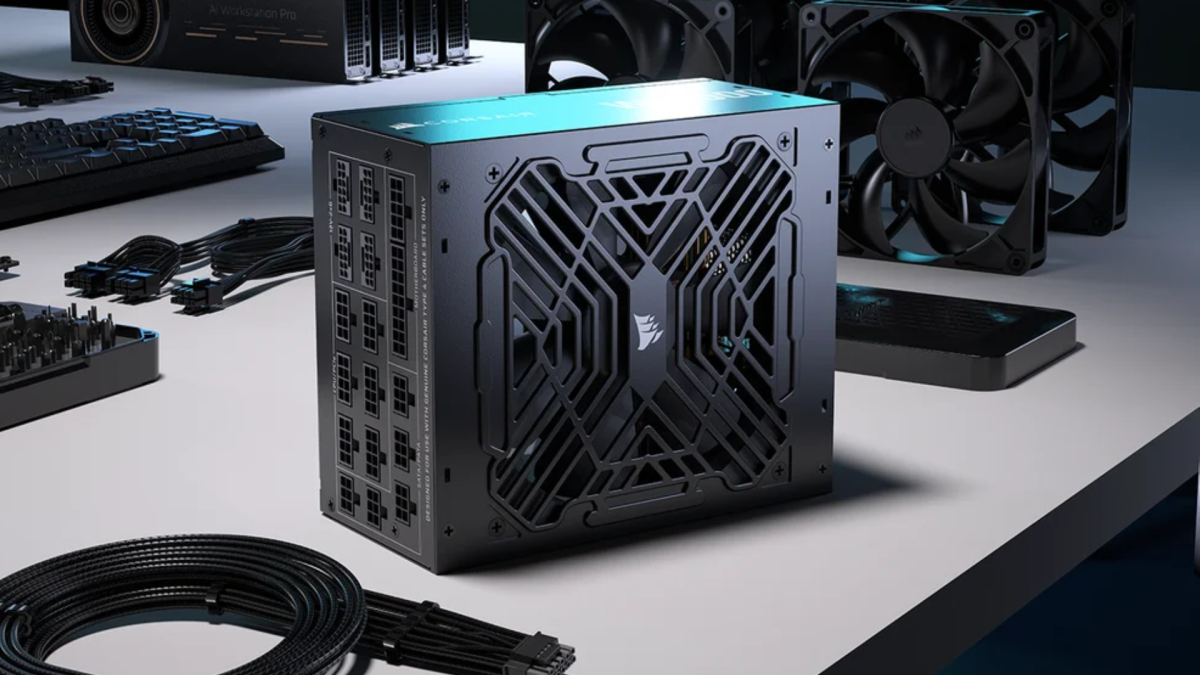
Corsair
The best brands for power supplies are likely ones you’ve already heard of, including Corsair, Seasonic, be Quiet!, EVGA, Super Flower, FSP, Asus, NZXT, MSI, Silverstone, Thermaltake, Cooler Master, and Enermax. I’d easily recommend all of them. Even these brands have weaker units in their ranges, so don’t take this list as gospel. It’s just a starting point.
What form factor is right for you?
If you’re building a standard PC in a standard size case (ATX, mATX, or E-ATX), then a standard ATX power supply is perfectly adequate and you’ll have the broadest range of PSUs to pick from.
If you’re building a small-form-factor (SFF) PC, like a Mini-ITX design or even smaller, then opting for one of the more compact PSU form factors can be useful—or, in some cases, necessary.
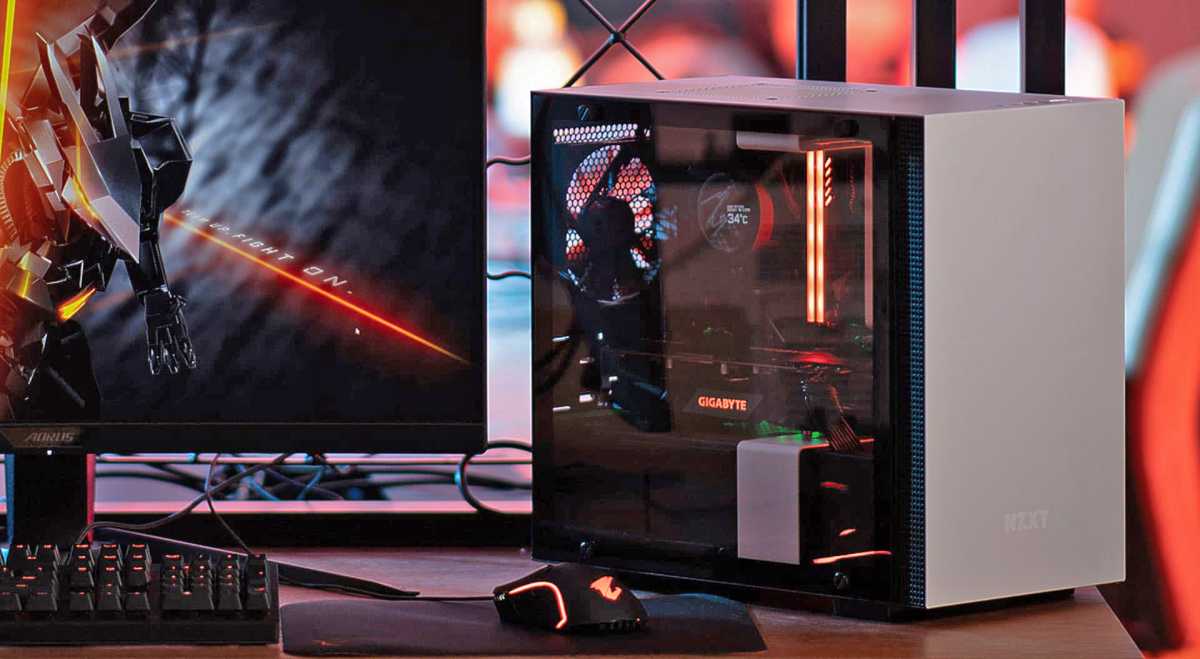
Gigabyte
Small-form-factor PSUs (known as SFX PSUs) shave a few inches off the length and width, helping them fit into smaller cases. For the most compact of designs, you might want to opt for a TFX unit instead. Although they’re longer, they’re substantially narrower than ATX PSUs, which might be exactly what you need for certain builds.
Buy the right capacity (and some extra)
If you add up the wattage demands of your CPU and graphics card, then add a couple of hundred watts on top of that, you’ll get a rough estimate of how much PSU capacity you need. There are also more in-depth calculators you can use, and most GPU manufacturers will recommend a certain wattage of PSU for their card anyway.
You want to buy a PSU that can at least match what you need—or better yet, offer a little extra headroom for transient power spikes. And then a couple of hundred watts on top of that since a power supply that’s constantly redlining is going to run harder and hotter, increasing noise levels and reducing its overall lifespan.
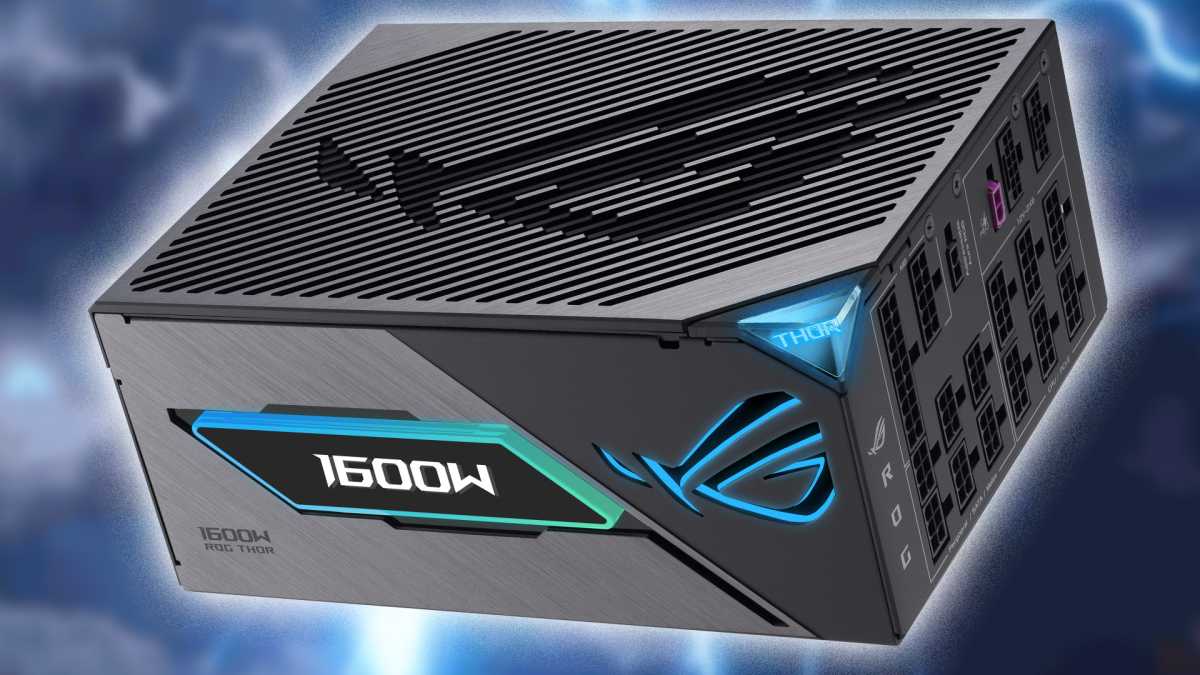
Asus
Don’t go too over the top, though. A 1,500W capacity PSU is overkill for almost everyone, even those who have the most power-hungry graphics cards. But with how demanding modern GPUs have gotten, it isn’t unusual to need a 1,000W PSU.
Do the math and find the capacity that’s right for your PC, plus a little extra. If you think you might upgrade your CPU or GPU in the next year or two, consider that when doing your capacity calculations.
Efficiency is a mark of quality (usually)
Power supply efficiency is how well the PSU converts the power it pulls from the outlet into energy that your PC can actually use. A PSU with a 90% efficiency rating can take 1,000 watts from the outlet and deliver 900 watts of power to your system. That 10% wastage is lost energy that you still have to pay for—it’s just being wasted in the conversion process, lost as heat. In other words, PSUs with better efficiency ratings are better for your wallet and for the environment.
There are two main efficiency ratings to look for: 80 PLUS and Cybenetics. Both use material names to designate quality, starting at Bronze and running through Gold, Platinum, Titanium, and then Ruby or Diamond at the top, respectively. Each of these ratings offer progressively greater efficiency, with the top models offering strong efficiency even when barely any power is being used at all. That can make a significant difference if your PC is idling often.
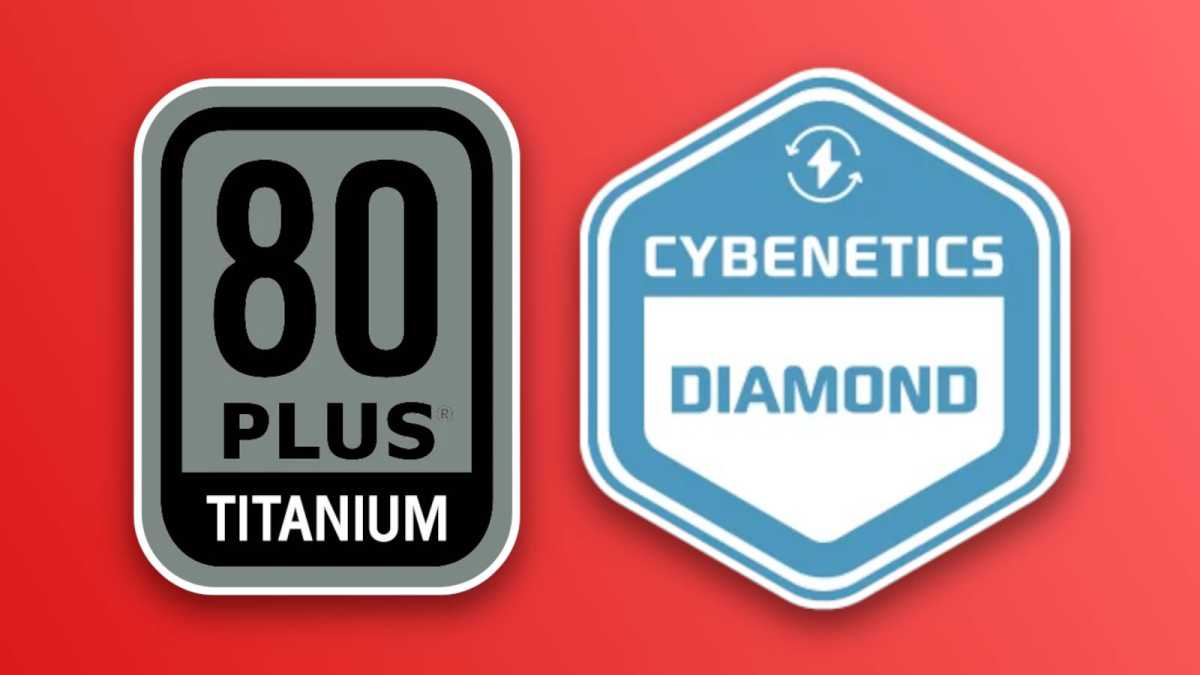
80 PLUS / Cybenetics
Another benefit of efficiency ratings is that higher-efficiency PSUs are usually a sign of higher-quality internal components. That’s not always the case, but you’re unlikely to find an 80 PLUS Bronze PSU that has higher-quality components than a Titanium unit, for example.
Other useful signs of quality include: PSUs with all Japanese capacitors, passively cooled designs (which need to operate within a tighter thermal envelope), and SFX PSUs. More often than not, PSU companies have to use higher-end components that are more compact in these kinds of designs, which can mean comparable-capacity SFX designs are of higher quality than their larger counterparts.
Know your PSU terminology
There’s a lot of jargon when buying a power supply—we’ve used a lot in this article alone. Some of it is easy enough to understand, but there are also plenty of opaque terms that’ll have you furrowing your brows. Here are some of the important ones to know:
- 12VHPWR: The 16-pin graphics card power connector introduced by Nvidia in 2022 to deliver up to 600 watts of power over a single cable. Replaces the older 6-pin and 8-pin PCIe power cables.
- 12V-2×6: The revised form of the 12VHPWR connector. It has the same 16 pins, but they’ve been adjusted slightly to offer safer connections for high-end graphics cards.
- ATX 3.0/3.1: Recent standards for power supplies that introduced the 16-pin graphics card power connectors, as well as greater protections against transient power spikes. ATX 3.1 is the newer standard with native 12V-2×6 connectors.
- 24-pin: The large 24-pin (or 20+4-pin) power cable that you connect to your motherboard.
- CPU power: These 4-pin, 8-pin, or sometimes twin 8-pin connectors provide additional power to the CPU on high-end PCs.
- SATA: An L-shaped power connector used for legacy SATA SSDs and hard drives, as well as some add-in boards.
- 6-pin: A 6-pin PCIe power connector typically used to power older, lower-wattage graphics cards.
- 8-pin: An 8-pin PCIe power connector used to power graphics cards. High-end graphics cards will often have multiple of these. Can be used with an adapter to connect to 12VHPWR graphics cards.
- Rails: These are the different voltage levels that different components within your PC require. They come in 12V, 5V, and 3.3V variants, and the different cables in your PSU distribute them where they’re needed. How those rails are distributed within the power supply can vary by manufacturer and model.
Consult a PSU tier list
There are so many power supplies on the market, it’d be impossible for one person or publication to come up with a definitive list. For that, you need crowd sourcing. The PC enthusiast community is large and diverse enough that you can find several Power Supply Tier Lists that’ll lead you to all kinds of ranked choices for PSUs.
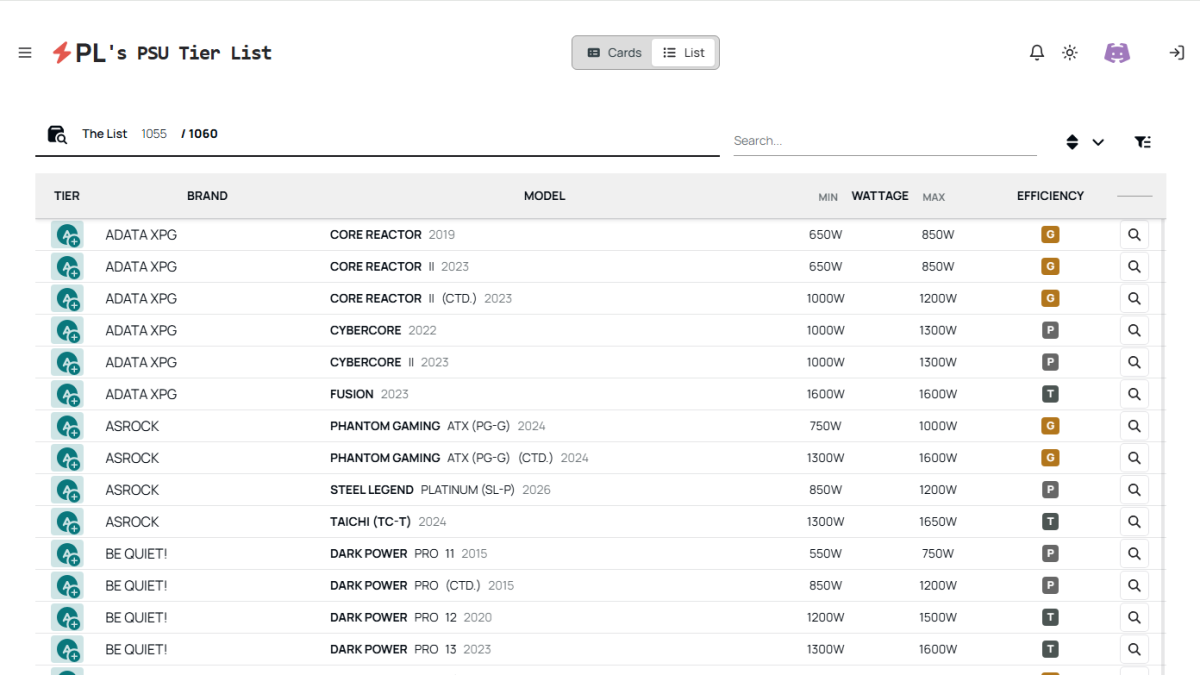
PL’s PSU Tier List
Use these tier lists as starting points. They can give real insight into how good a particular PSU model is. If it’s in the S, A, or B tiers, it’s probably a solid choice. Anything below that is potentially worth avoiding.
We can’t link you to any tier lists directly as they’re frequently replaced, updated, and altered—we can’t vouch for their veracity the way we can our own content. But tier lists remain a great way to augment your search for a new power supply if you’re willing to trust the community.
Power supplies aren’t all about capacity and efficiency. Yes, it’s important you nail those specs when selecting your next PSU, but you don’t want to forget all the nice-to-haves that some PSUs come with.
Modularity is a big benefit to consider. Modular PSUs let you plug in only the cables you need and nothing else. It makes installing cables easier, changing cables simpler, and makes it more straightforward to manage the interior cables of your PC. That said, it isn’t necessary at all. Opting out of modular PSU cabling can save money if you’re on a tight budget.
Silent modes and zero-fan modes are handy if you like a quieter PC. These PSUs won’t spin up their fans for cooling unless needed. In the case of larger-capacity PSUs, that may be only when you’re gaming or doing demanding work, helping to keep your PC quieter when it’s idling or when you’re only doing light work.